Manage your home,
together.
Tasks, calendar, budget, shopping lists… Everything your household needs, in one free app.


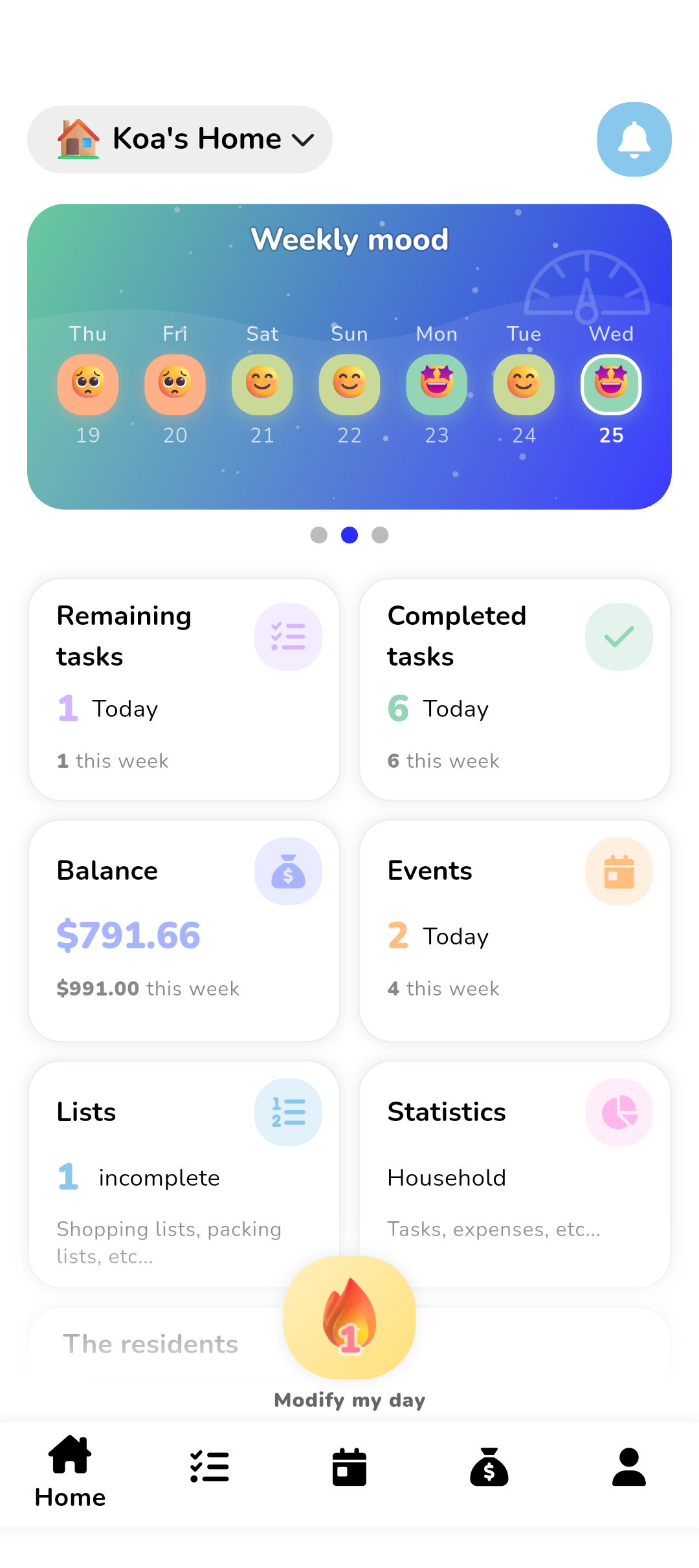
Everything for your home
A complete app to simplify your shared daily life.
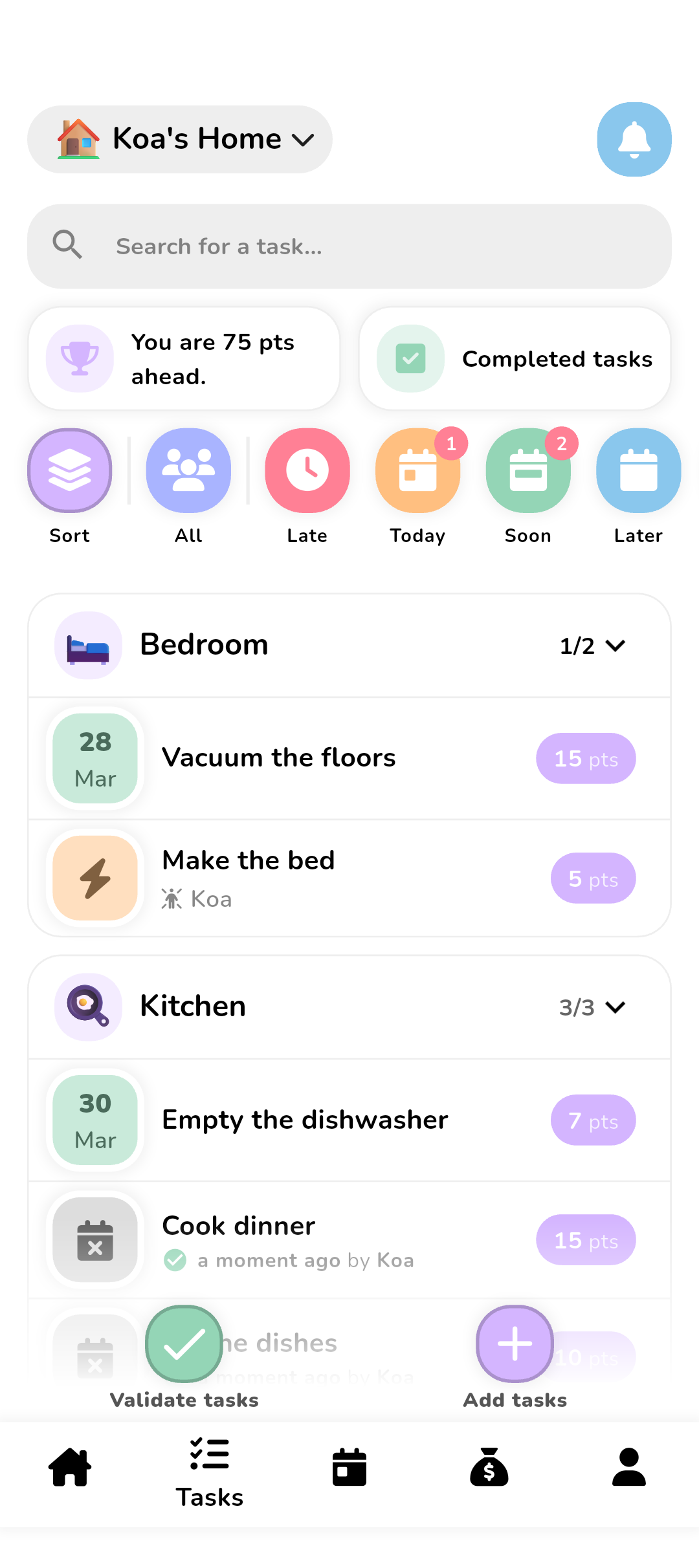
Collaborative tasks
Create, assign and track household tasks with points and ranking. Everyone knows what to do.
💰Budget & expenses
Who owes what? Add your expenses, the app balances everything and suggests reimbursements.
📅Shared calendar
Events, reminders and recurrences for the whole family. Import your existing calendars.
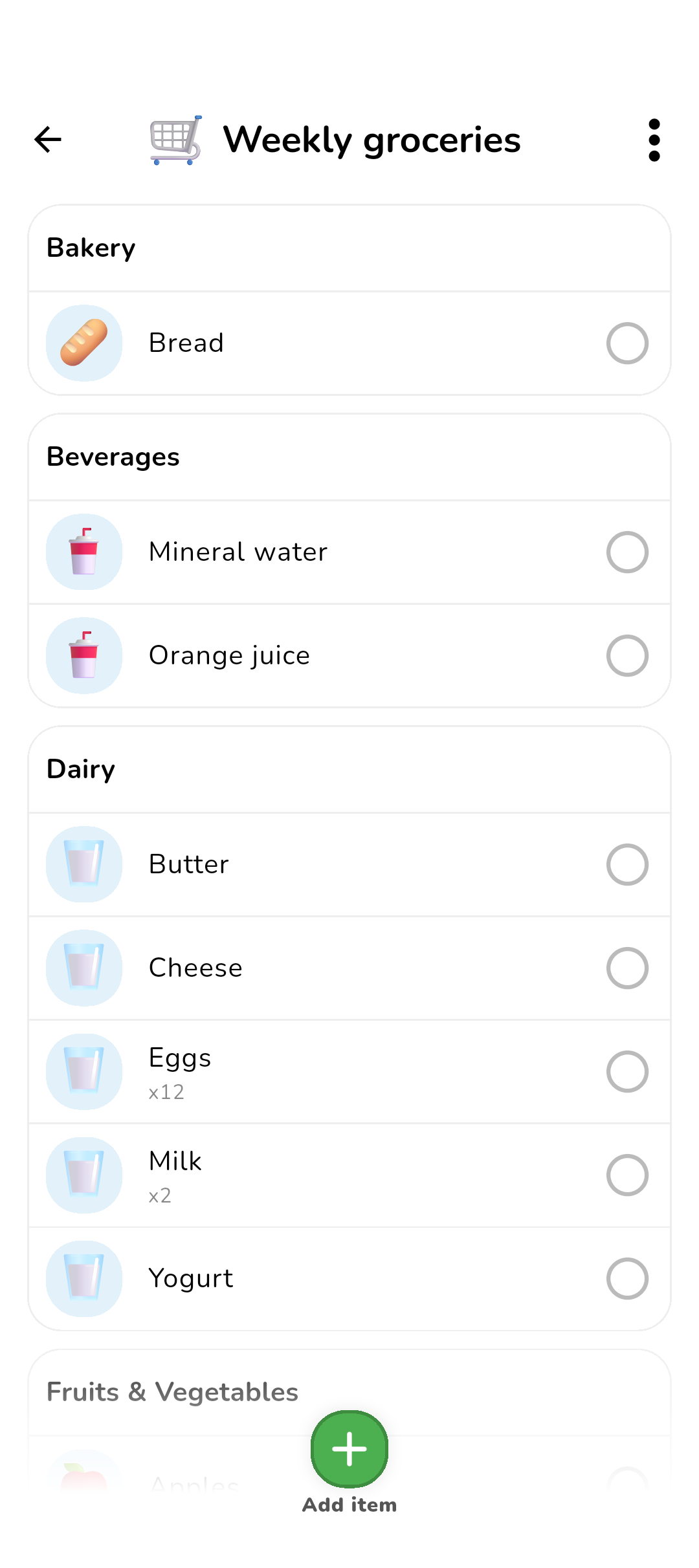
🛒Shopping lists
Share your lists in real time with quantities and categories. No more forgotten items at the store.
📊Statistics
Visualize task, expense and point breakdowns. A clear dashboard for the whole household.
😊Mood & Routine
Validate your day, log your mood and maintain your flame streaks.
Who is it for?
Koabit adapts to all types of households.
Couples
Split tasks and expenses for two. Track your budgets and stay on the same page.
Families
Coordinate the whole family: tasks, schedules, budget and more. Kids can participate too!
Roommates
Manage your shared home without stress: groceries, cleaning, shared expenses and common calendar.
Vacations
Organize group trips: shared budget, shopping lists and common schedule.
Collaborative tasks
Turn chores into motivating challenges. Each task earns points. Friendly competition does the rest.
- Flexible assignment to one or more members
- Points, weekly leaderboard & Golden Broom
- Reminders and automatic recurrence
- Custom categories with emojis and colors
- Task history and search
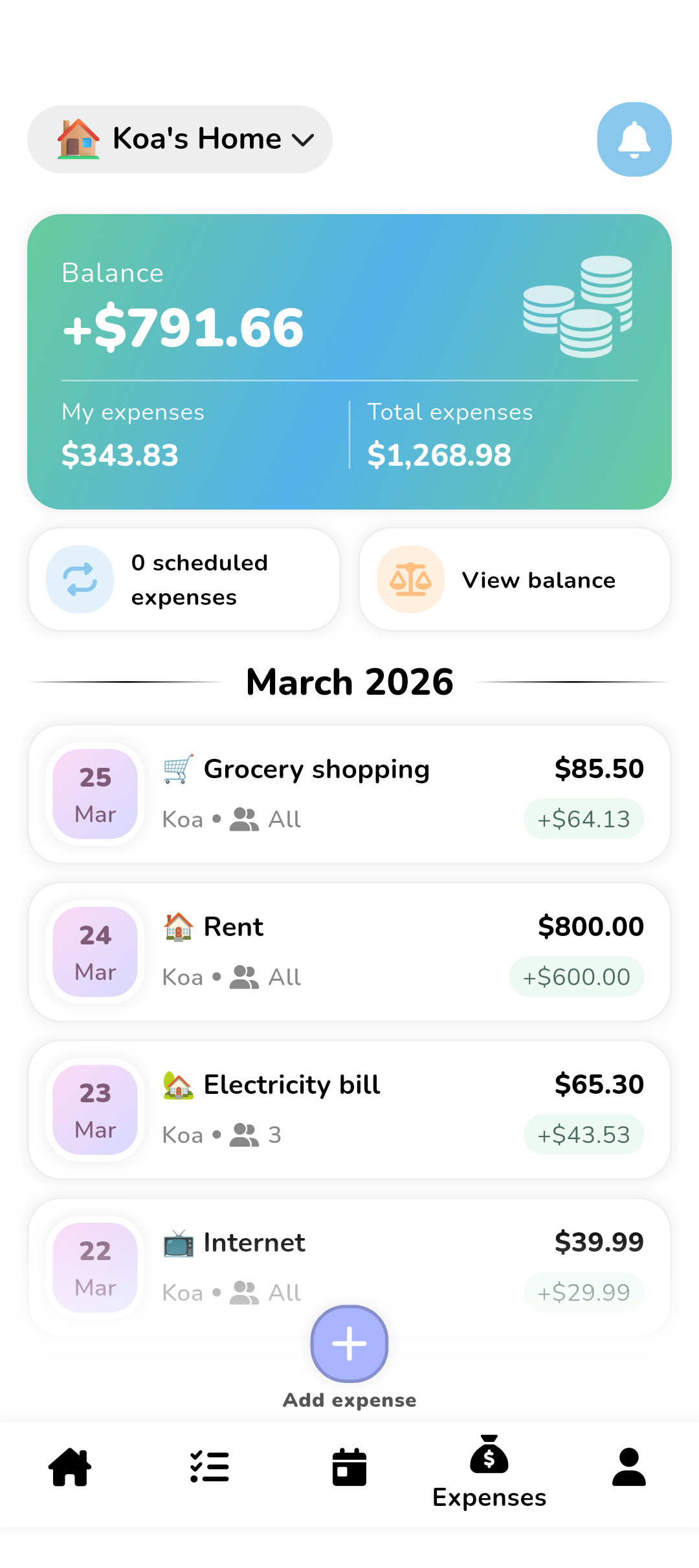
Budget & expenses
Add an expense, choose how to split it and the app automatically calculates who owes what. See your household balance at a glance.
- 4 modes: equal, percentage, shares or fixed amounts
- Real-time balances: who owes what to whom
- Optimized reimbursement suggestions
- AI receipt scanning
- Automatic conversion in 150+ currencies
- Automatic AI categorization
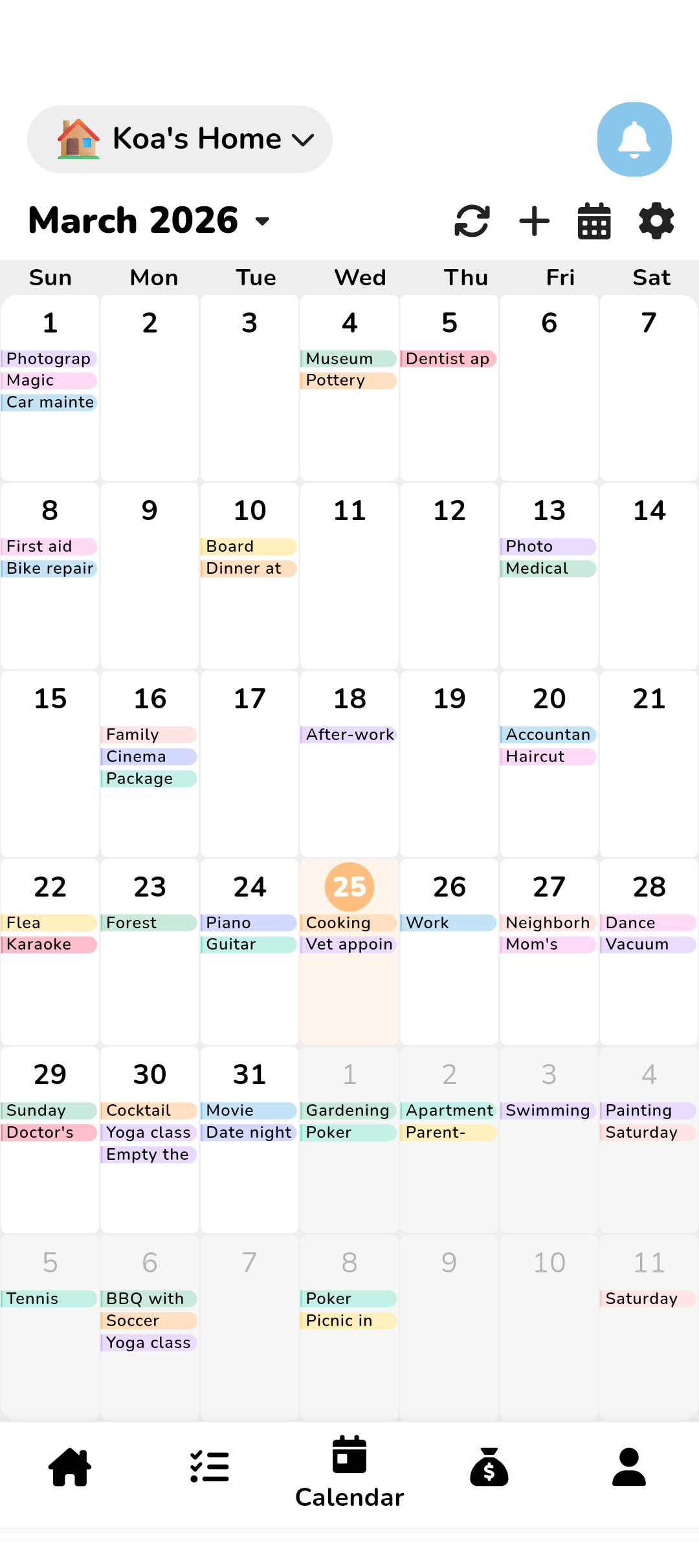
Shared calendar
A shared calendar for the whole family. Plan, sync and never miss an event again.
- Monthly and schedule view
- Push notifications and customizable reminders
- Daily, weekly or monthly recurrence
- Import your personal calendars
- Export to Google Calendar, Outlook and Apple
Shopping lists
Create and share your shopping lists in real time. Add items, check them off as you go and keep everyone in sync.
- Real-time shared lists between members
- Quantities, categories and automatic sorting
- Check items off as you shop
- Purchase history and favorite lists
Statistics
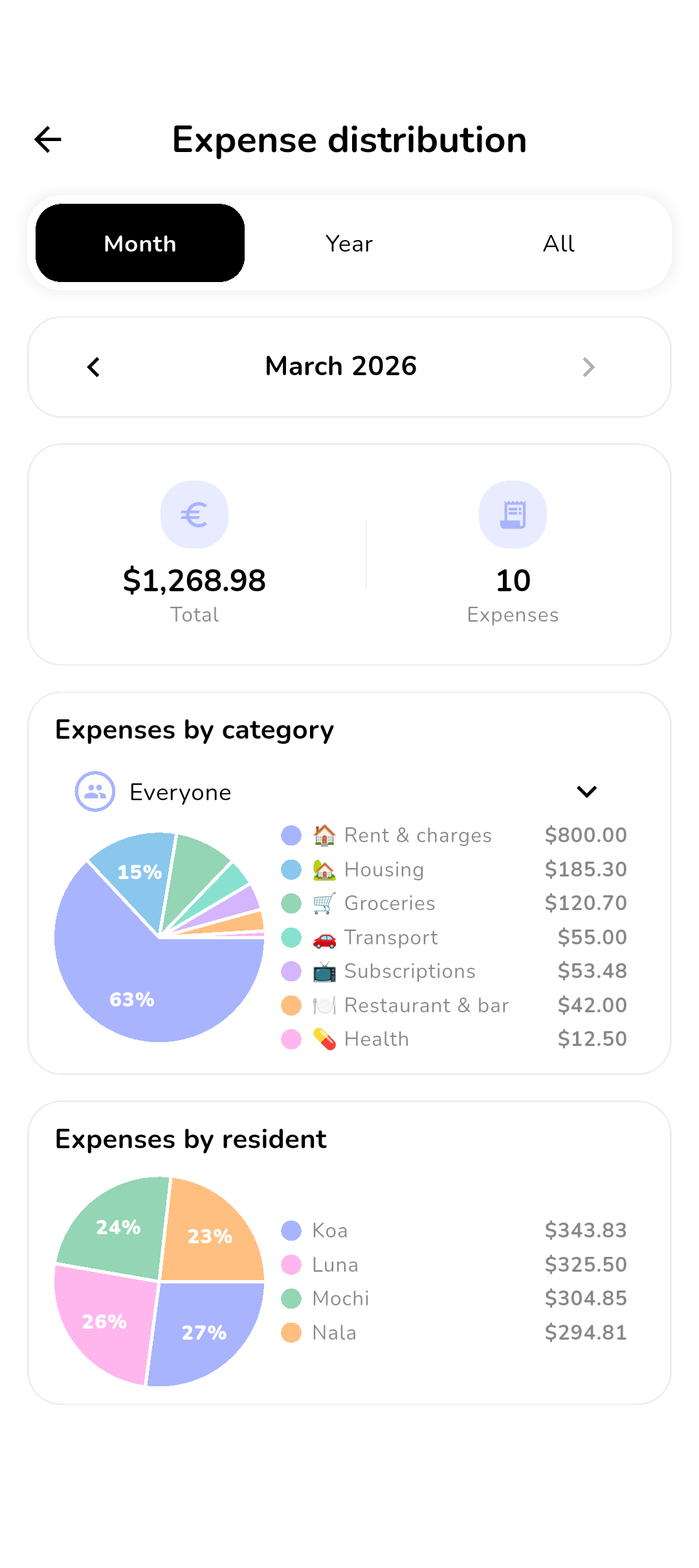
Who does what? How much does everyone spend? How is the mood? A complete dashboard to understand your household.
- Task and point breakdown per member
- Expense statistics by category
- Household mood tracking over time
- Weekly leaderboard & Golden Broom
Mood & Routine
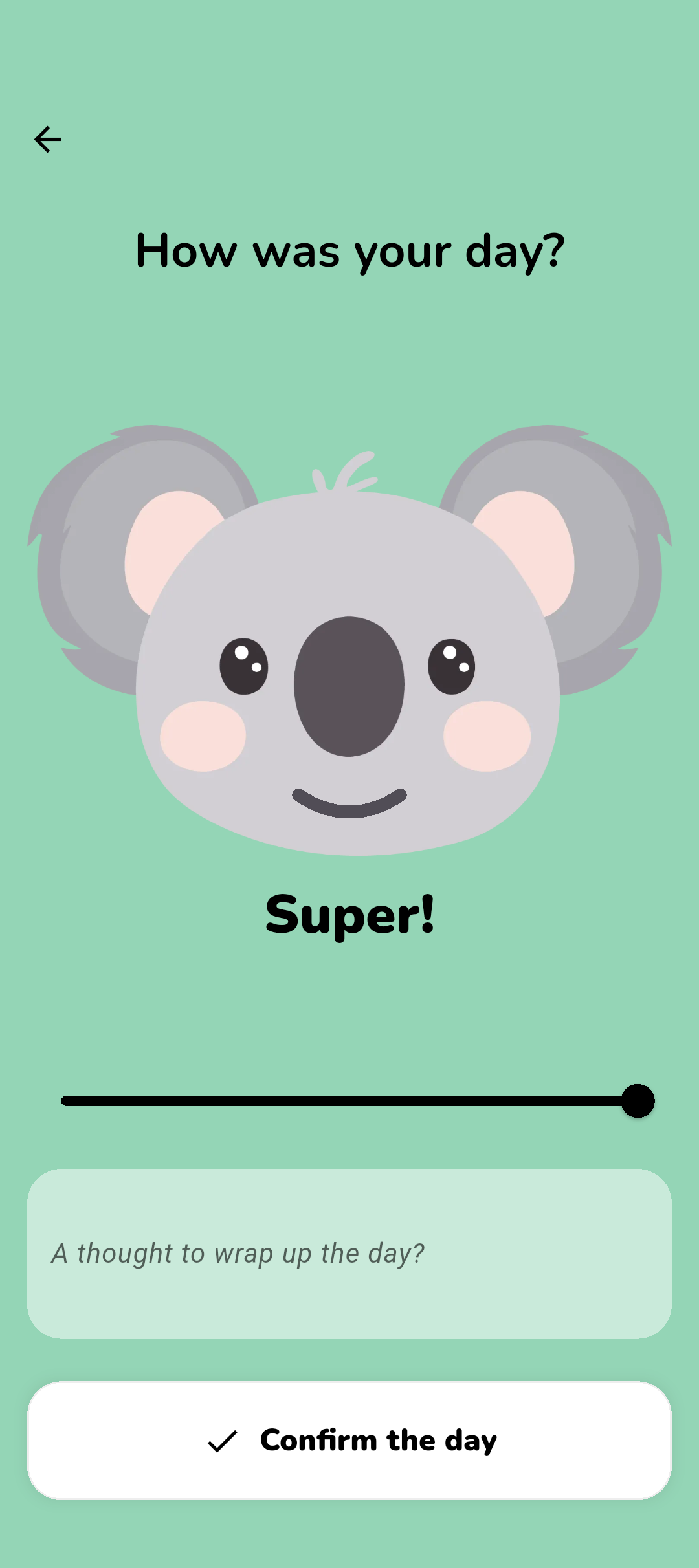
A 3-step daily ritual to keep your household organized. Build the habit and watch your flames rise!
- Guided validation: tasks, expenses, mood
- Mood scale with comments
- Colorful monthly mood calendar
- Flame streaks for motivation

Meet Koa!
Koa the koala is Koabit's mascot. He helps you keep your household organized and motivated every day!
Ready to simplify your home?
Download Koabit for free and start today.